ChartPanel

View as Markdown

The ChartPanel class includes a range of properties related to the panel on which the calling script resides. Each Panel has 3 independent ChartScales: Left, Right, and Overlay.
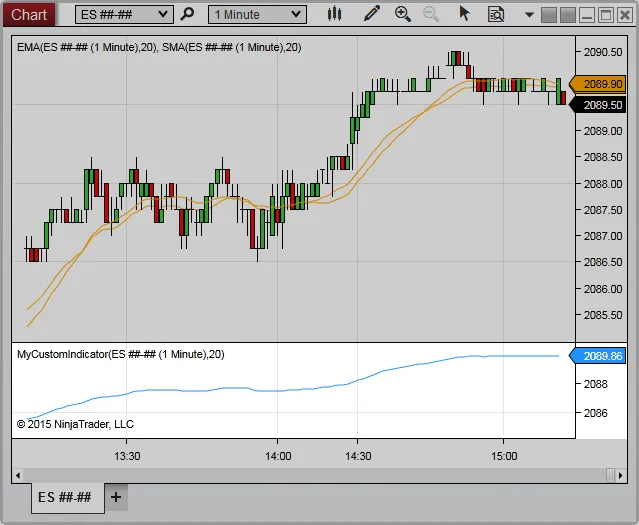

ChartPanel_1

Methods and Properties

ParameterDescription
ChartObjectsA collection of objects configured on the chart panel
HIndicates the height (in pixels) of the chart panel
IsFocusedIndicates the chart panel is currently in focus in the window
IsYAxisDisplayedLeftIndicates the y-axis is visible on the left side of the chart panel
IsYAxisDisplayedOverlayIndicates any objects configured in the panel are using the Overlay scale justification
IsYAxisDisplayedRightIndicates the y-axis is visible on the right side of the chart panel
MaxValueIndicates the maximum Y value of objects within the chart panel
MinValueIndicates the minimum Y value of objects within the chart panel
PanelIndexIndicates the index of the chart panel in the collection of configured panels
ScalesA collection of ChartScale objects corresponding to objects within the chart panel
WIndicates the width (in pixels) of the chart panel
XIndicates the x-coordinate on the chart canvas at which the chart panel begins
YIndicates the y-coordinate on the chart canvas at which the chart panel begins