Width
Definition
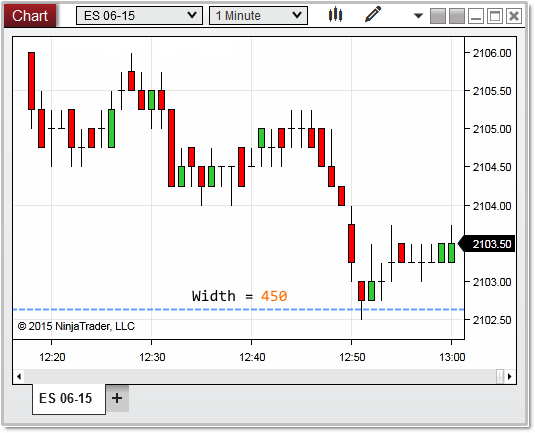
Indicates the overall distance (from left to right) of the chart scale.
Width does not return its value in terms of device pixels. However, using Width.ConvertToVerticalPixels or Width.ConvertToHorizontalPixels will convert the Width value to device pixels. Alternatively, RenderTarget.PixelSize.Width or ChartPanel.W will also provide the width in terms of device pixels.
Property Value
A double value representing the width of the chart scale.
Syntax
\<chartScale\>.Width
Examples
In the image below, the entire of width of the chart scale is represented by the blue line which is calculated at 450 pixels.